 Welcome to visit !
 Login
Login
CO2 Laser Interface & Modes Explained – Test Dot Pattern and Settings
 description
 0 Comments
 Release time:
02-19 09:20
Release time:
02-19 09:20
 Share
Share


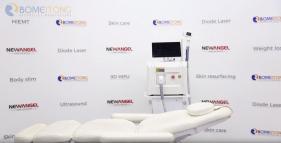
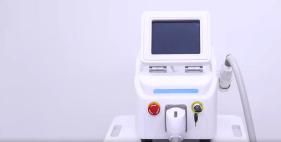
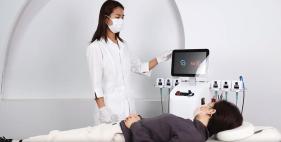
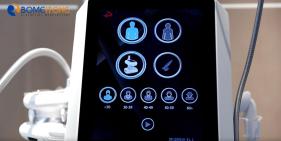
In this video, we introduce the CO2 laser interface and demonstrate its three main modes: Standard Dot Mode, Swirl Mode, and Swirl with Central Dot Mode. We’ll also show you how to test the dot pattern to ensure your laser is working perfectly. Watch the demo and learn how to adjust settings for different treatments.
Key Features Covered
- Interface overview
- Explanation of 3 laser modes
- Testing the dot pattern
If you found this helpful, don’t forget to like, comment, and subscribe for more tutorials! For more information, refer to the user manual or contact support.
Key Features Covered
- Interface overview
- Explanation of 3 laser modes
- Testing the dot pattern
If you found this helpful, don’t forget to like, comment, and subscribe for more tutorials! For more information, refer to the user manual or contact support.
Collection

 Company Profile
 Laser Hair Removal Machines
 Tattoo Removal Machines
 Body Sculpting Machine
 Body Slimming Machine
 Skin Tightening Machine
 Physio Therapy Machine
Leave a Message

Recommended video
DuoSculpt M9+10S | 2-in-1 EMS & Roller Body Sculpting System

RF 7.0 Deep-Tissue Thermal Demonstration: Visualizing Energy Penetration
Laser Hair Removal Machine with AI Follicle Analysis | Professional Operation Demo
How to Use the Cellusphere Roller Massage Machine

Portable focused shockwave therapy machine designed for clinics and rehab centers.
NewAngie Factory Tour | High-Quality Medical & Beauty Device Supplier
Comments (0)